Before starting to write Python programs, it is important to understand the different Python versions and how to install Python on your system.
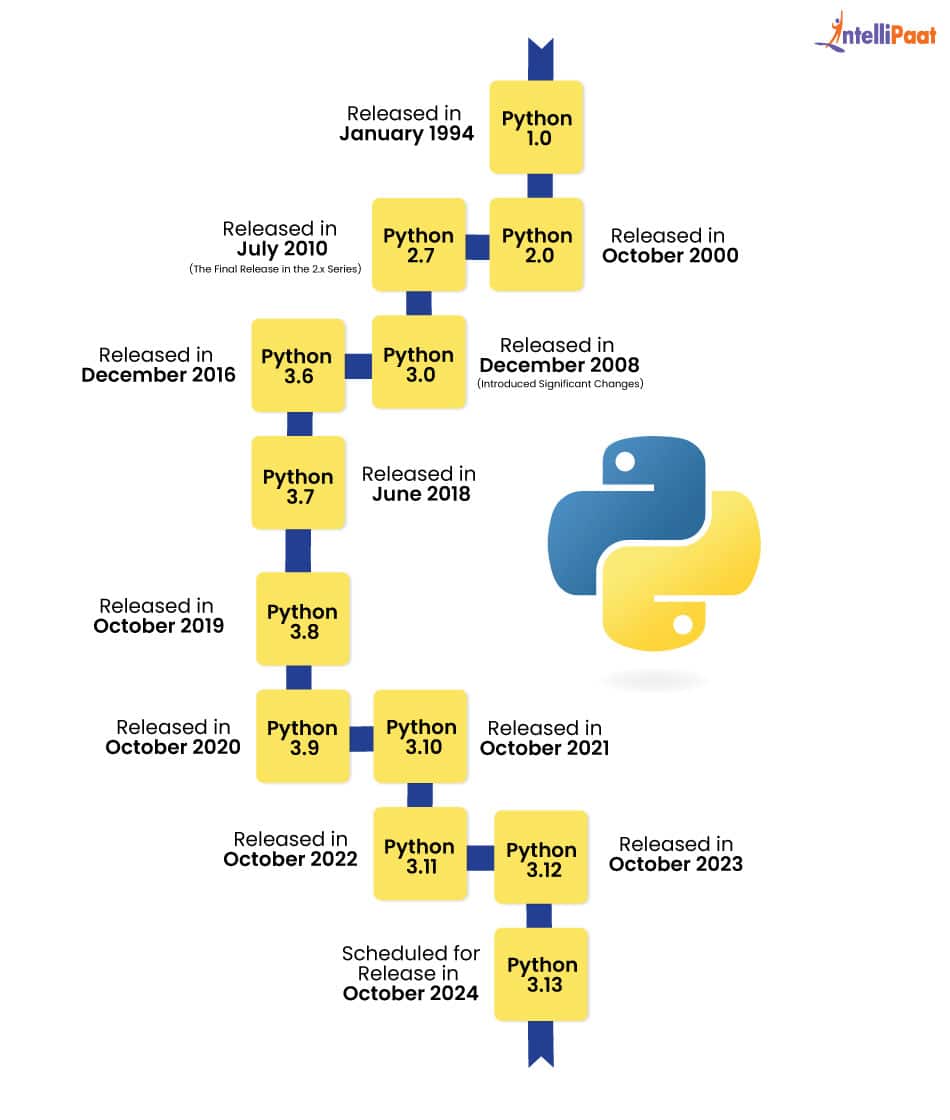
Python 2 was widely used in the past, but it is no longer supported.
Python 3 is the latest and recommended version for all new projects.
Example difference:
Python 2:
print "Hello"
Python 3:
print("Hello")
Today, almost all companies and developers use Python 3.
You can download Python from the official website:
Always download the latest stable version of Python 3.
After downloading:
Once installation is finished, Python is ready to use.
To verify that Python is installed correctly:
python --version
If Python is installed properly, it will display the installed version number.
Example output:
Python 3.12.0
After installation, you can run Python in two ways:
Simple example:
print("Hello, World!")
When you run this program, it will display:
Hello, World!
This confirms that Python is working correctly.